rns510 software update iso cd. RNS510 SOFTWARE UPDATE ISO CD RNS 510 SOFTWARE FIRMWARE
SOFTWARE UPDATE rns510
Get the latest RNS 510 software firmware update for enhanced performance. ISO CD now for seamless operation
RNS510 SOFTWARE UPDATE ISO CD
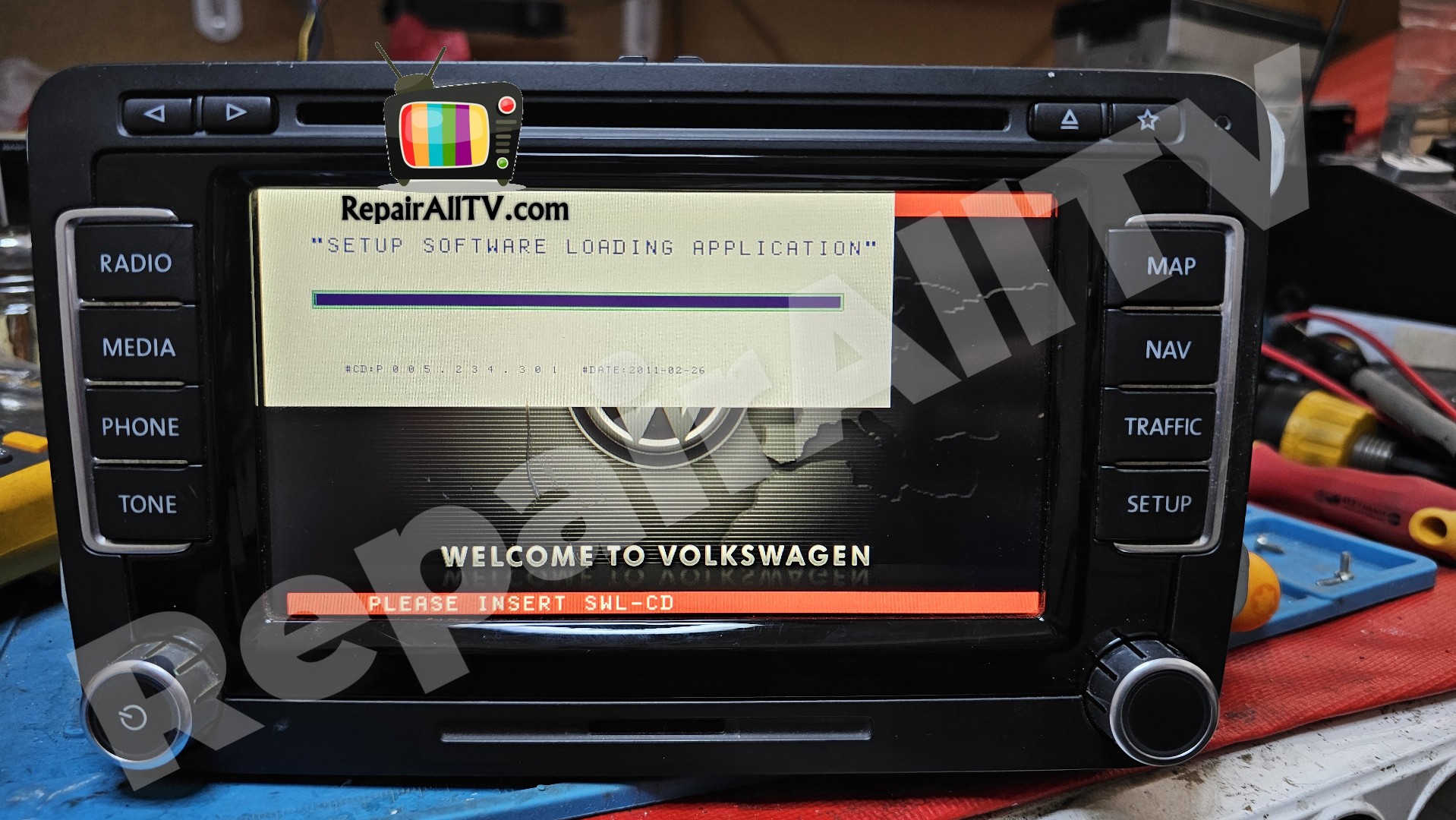
RNS510 SOFTWARE Firmware UPDATE ISO CD
rns 510 update iso cd
RNS 510 SOFTWARE Firmware UPDATE
RNS510 SOFTWARE FIRMWARE UPDATE rns510
- C3/C4
- 1T0 035 680 (1T0035680)
- 1T0 035 680 A (1T0035680A)
- Latest FW: 5238
- C6/C7
- 1T0 035 680 B (1T0035680B)
- C8/C9
- 1T0 035 680 C (1T0035680C)
- C10/C11/C12
- 1T0 035 680 D (1T0035680D)
- 1T0 035 680 E (1T0035680E)
- 1T0 035 680 F (1T0035680F)
- 1T0 035 680 G (1T0035680G)
- 1T0 035 680 H (1T0035680H)
- 1T0 035 680 J (1T0035680J)
- Latest FW: 5274
- C14
- 1T0 035 680 T (1T0035680T)
- 1T0 035 680 R (1T0035680R)
- 1T0 035 680 S (1T0035680S)
- 1T0 035 686 G (1T0035686G)
- 1T0 035 686 E (1T0035686E)
- 1T0 035 686 F (1T0035686F)
- Latest FW: 6276
- 3T0 035 680 B
- 3T0 035 680 C
- 3T0 035 680 D
- 3T0 035 680 R
Procedure,
1. For any unforeseen circumstances please copy your navigation unit encoding from VCDS / VCP
2. Download the appropriate ISO file
3. Use a good quality ISO processing ISO file using any image burning tool (Recommended using Verbatim / TDK or similar software and Imgburn)
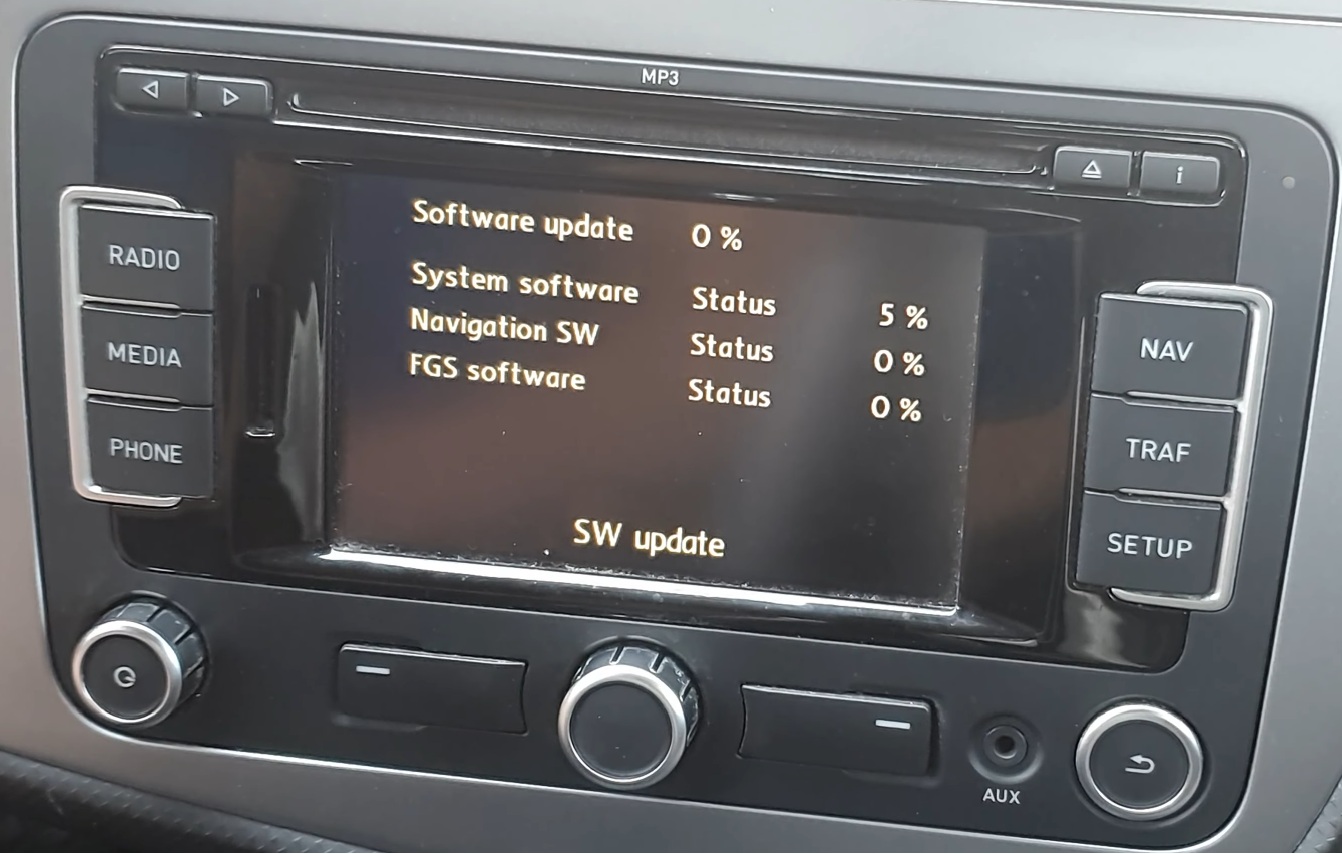
4. Return your RNS to software update mode by pressing SETUP + EJECT + MIC (INFO) together when enabled
5. Insert your CD into the slot on the radio screen
6. Wait for the update
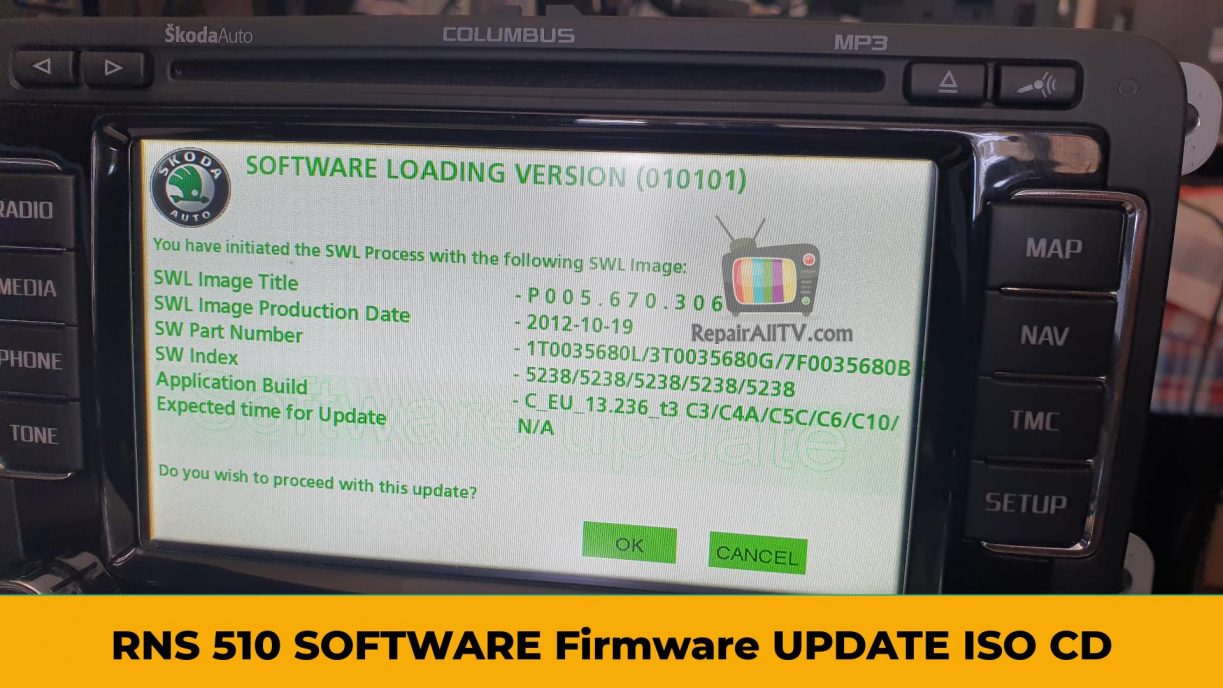

RNS 510 SOFTWARE Firmware UPDATE
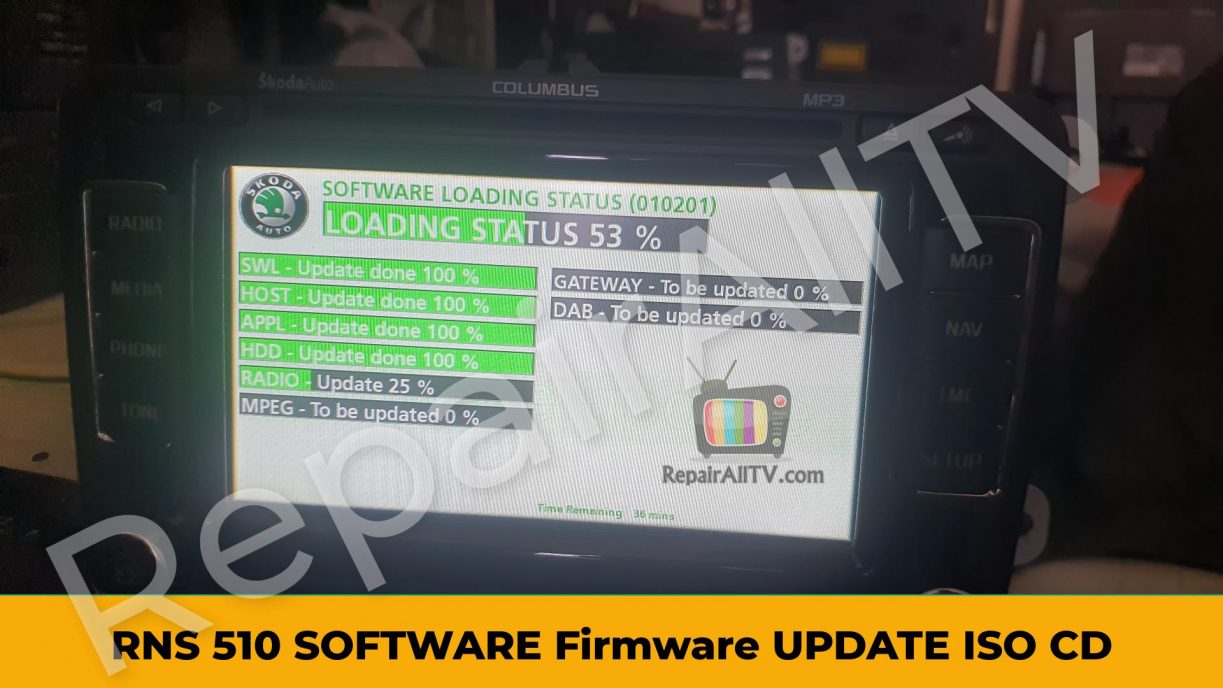
RNS 510 SOFTWARE UPDATE
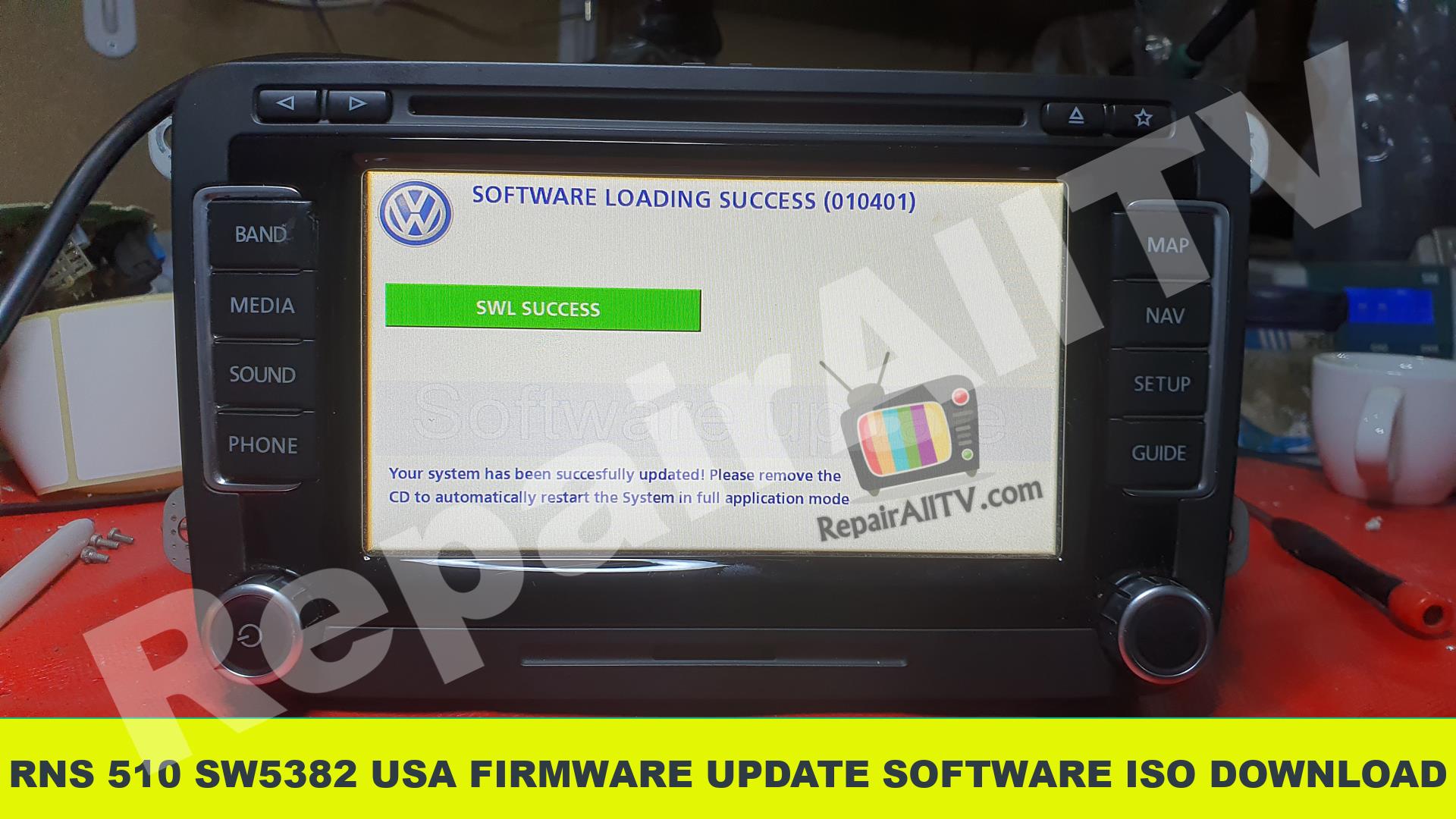
My channel YouTube RepairAllTV
rns510 software update iso cd RNS510 SOFTWARE UPDATE ISO CD RNS 510 SOFTWARE


to have access to RNS510 SOFTWARE UPDATE ISO. go to the top of the page or go here (1 subscription)
to download you need a Subscription package. for Subscription packages. go to the bar above or on the right


thanks