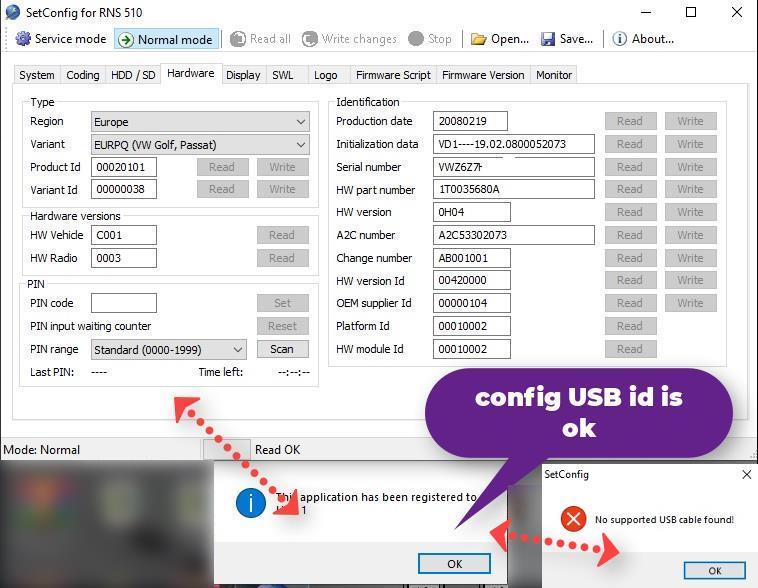
setconfig for rns 510 / 810 / 850 + USB ID setconfig for rns510 / 810 / 850 + USB ID
SETCONFIG FOR RNS 510 / 810 / 850, with setconfig. you can change. when you are driving your car at more than 20 km per hour so that the video on the radio screen is not interrupted
after payment. we install the setconfig. on your pc
what do you have to do. we send you a link for usb so that it fits for your setconfig. when you get the USB. you have to install (TeamViewer) send us the PASSWORD and ID to enter your pc to install setconfig.
RNS Setconfig is a tool designed for configuring and customizing RNS 510, 810, and 850 infotainment systems in Volkswagen Group vehicles. It allows users to unlock hidden features, adjust system settings, perform firmware updates, locate or edit pincode VIM activations, and much more. With backup and restore functionalities, it ensures safe and efficient system modifications.
setconfig for rns 510 / 810 / 850 download
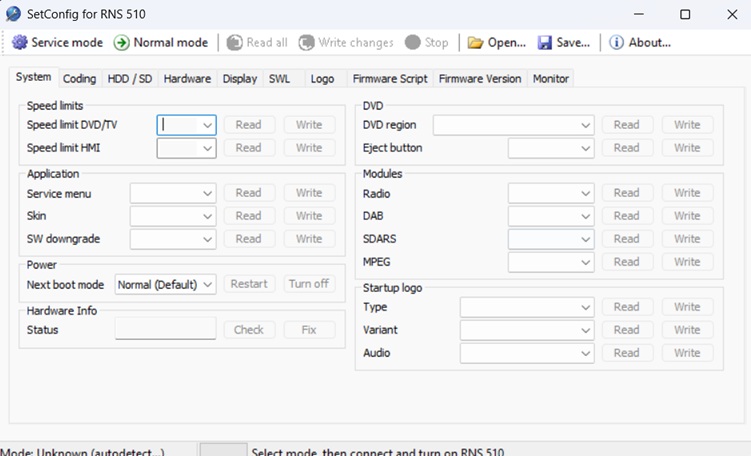
System Scan read code
HDD-SD
with setconfig. you can change. when you are driving your car at more than 20 km per hour so that the video on the radio screen is not interrupted
attention (SetConfig) works with USB that we have described on the site. below. if you have another USB it doesn’t work (SetConfig)
SETCONFIG FOR RNS 510 ID config USB
COPY FILES
WORKING 100% setup SetConfig there is no virus. 100% clean
radio pins RX2 TX1 GND14
after making the payment you download setup + SetConfig info image install. after you have installed it on your PC. SetConfig. install TeamViewer and send us (Password) and ID here (Support) or to the menu above at the top of the page. to insert into your PC to change the ID USB FTDI cable. after you have bought as we have recommended for the purchase of USB FTDI. we will fix your USB ID to work on your PC as long as the USB is working if your USB FTDI is broken. you buy a new USB FTDI again. you have to change again. USB ID
video setconfig for RNS 510 / 810 / 850
My channel YouTube video RepairAllTV
Manual Setconfig-for-rns510


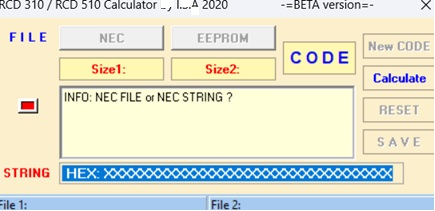
Subscription for SetConfig here (SetConfig)
after making the payment you download setup + SetConfig info image install. after you have installed it on your PC. SetConfig. install TeamViewer and send us (Password) and ID here (Support) or to the menu above at the top of the page. to insert into your PC to change the ID USB FTDI cable. after you have bought as we have recommended for the purchase of USB FTDI. we will fix your USB ID to work on your PC as long as the USB is working if your USB FTDI is broken. you buy a new USB FTDI again. you have to change again. USB ID
attention (SetConfig) works with USB that we have described on the site. below. if you have another USB it doesn’t work (SetConfig)
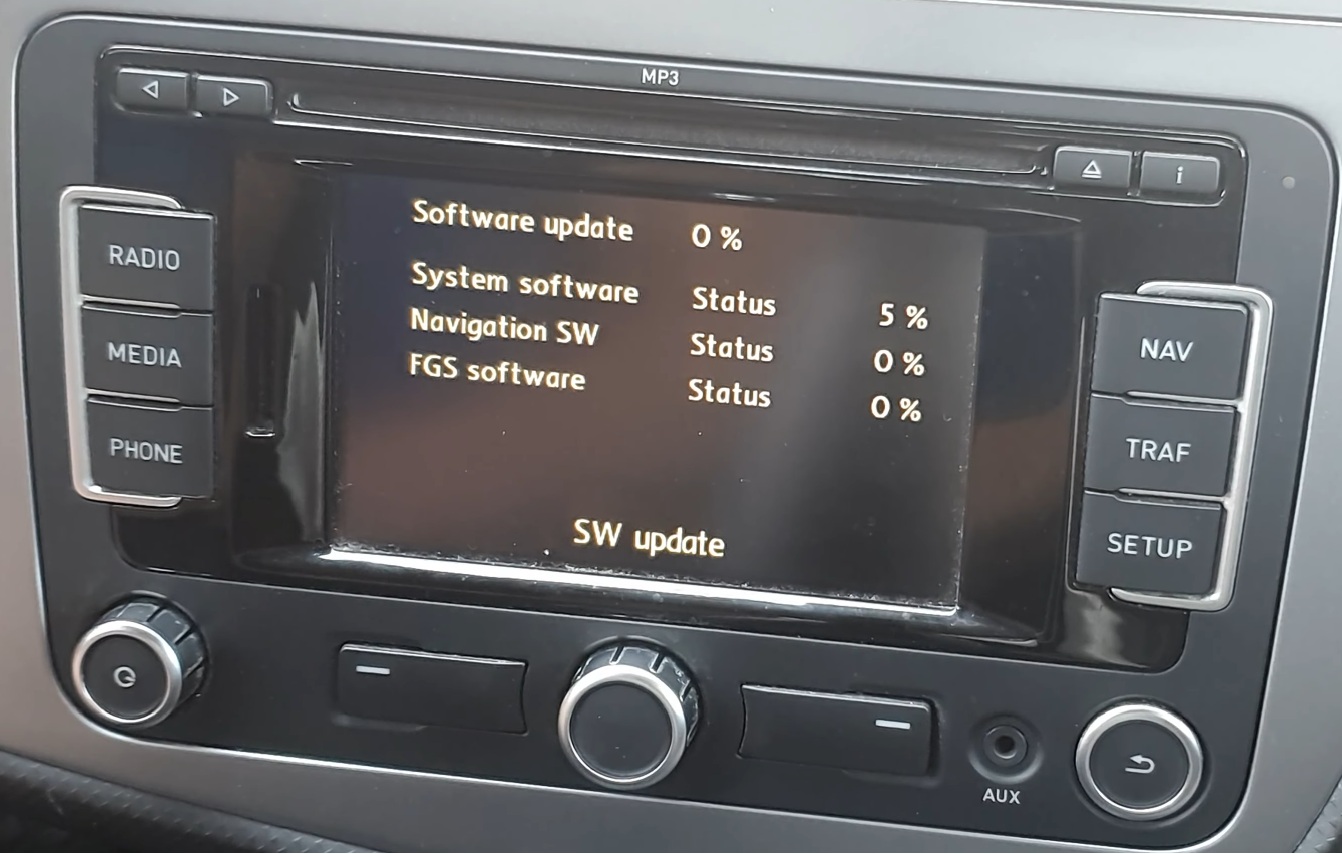
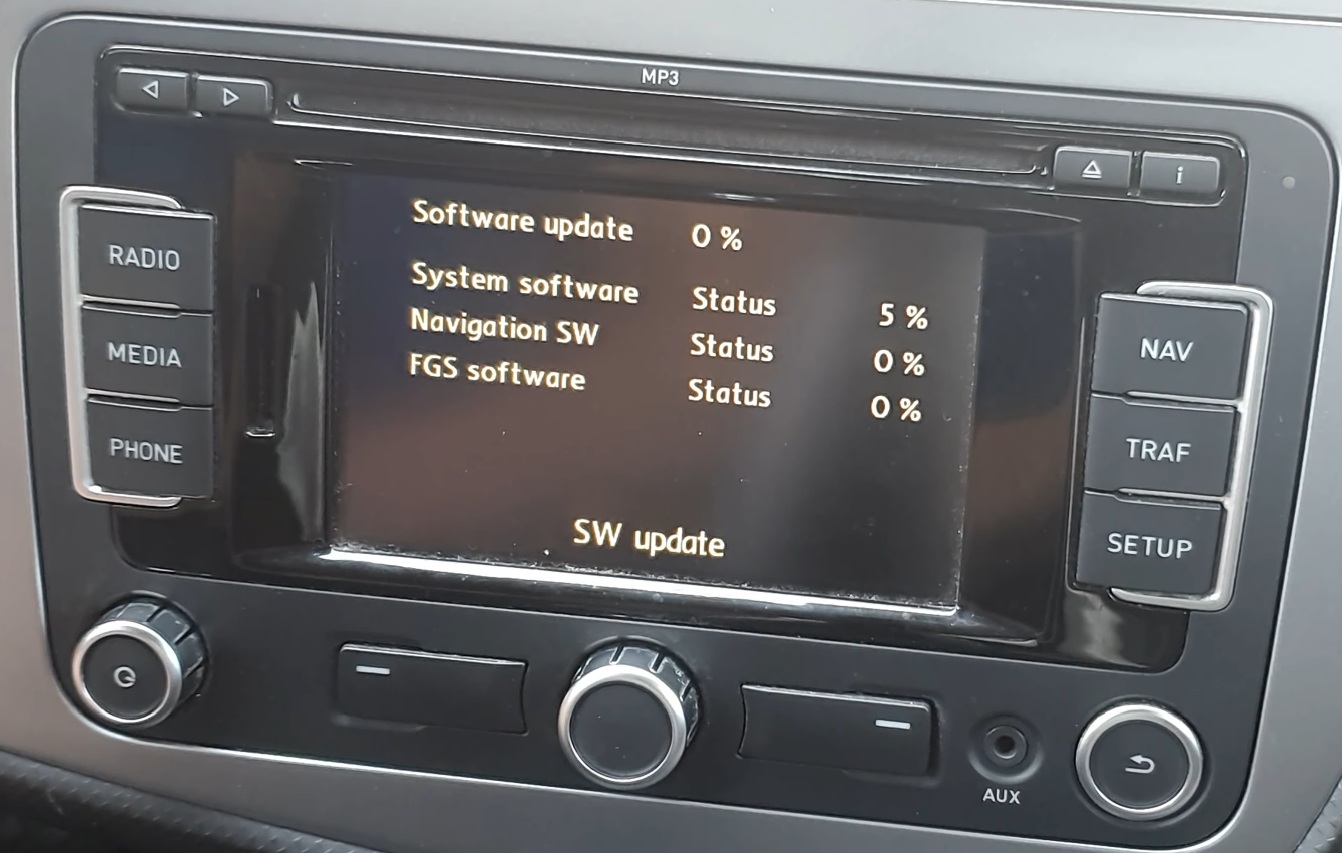


thank you works perfect