jvc lt-55va6900 17mb170 vestel Emmc klm8g1getfb041 Android JVC LT-55VA6900 17MB170 vestel Emmc
jvc lt-55va6900 17mb170 vestel Emmc klm8g1getfb041 Android
TV MODEL LT-55VA6900 Android
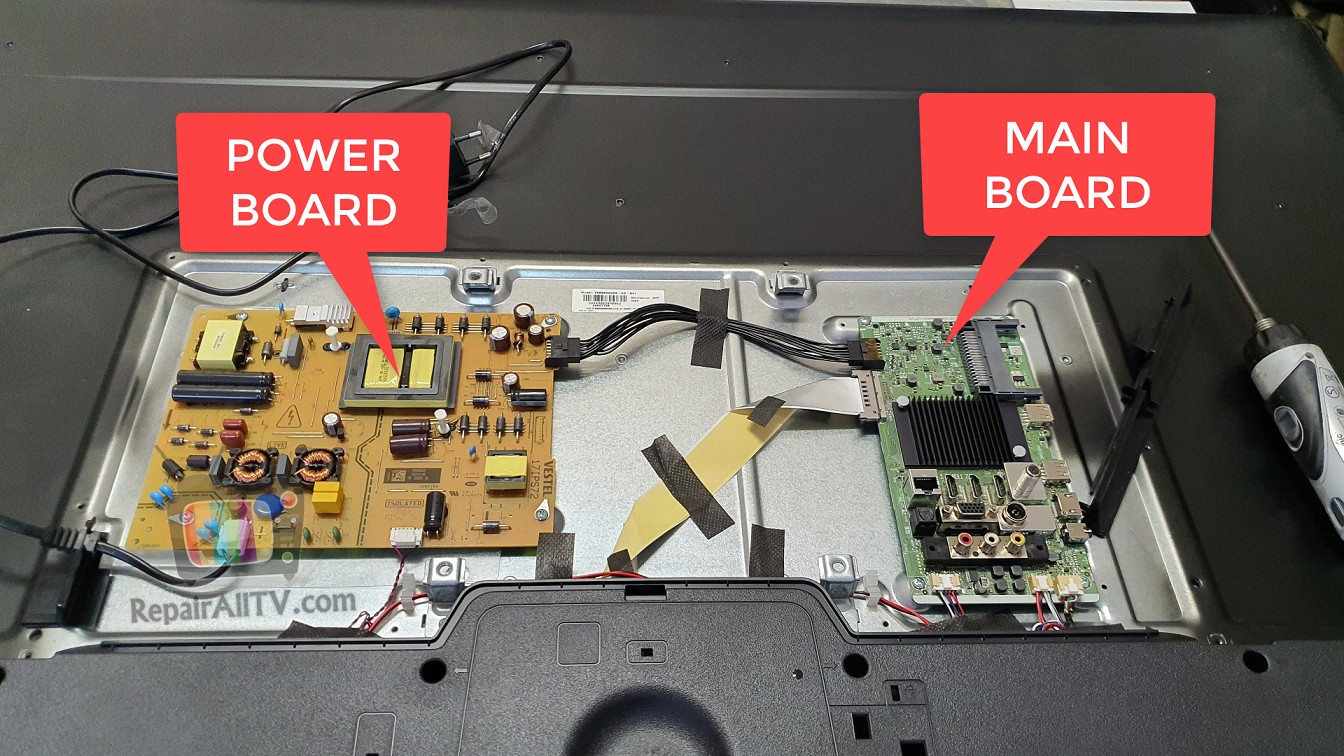
POWER BOARD MAIN BOARD
JVC LT-55VA6900 17MB170 vestel Emmc KLM8G1GETFB041 Android
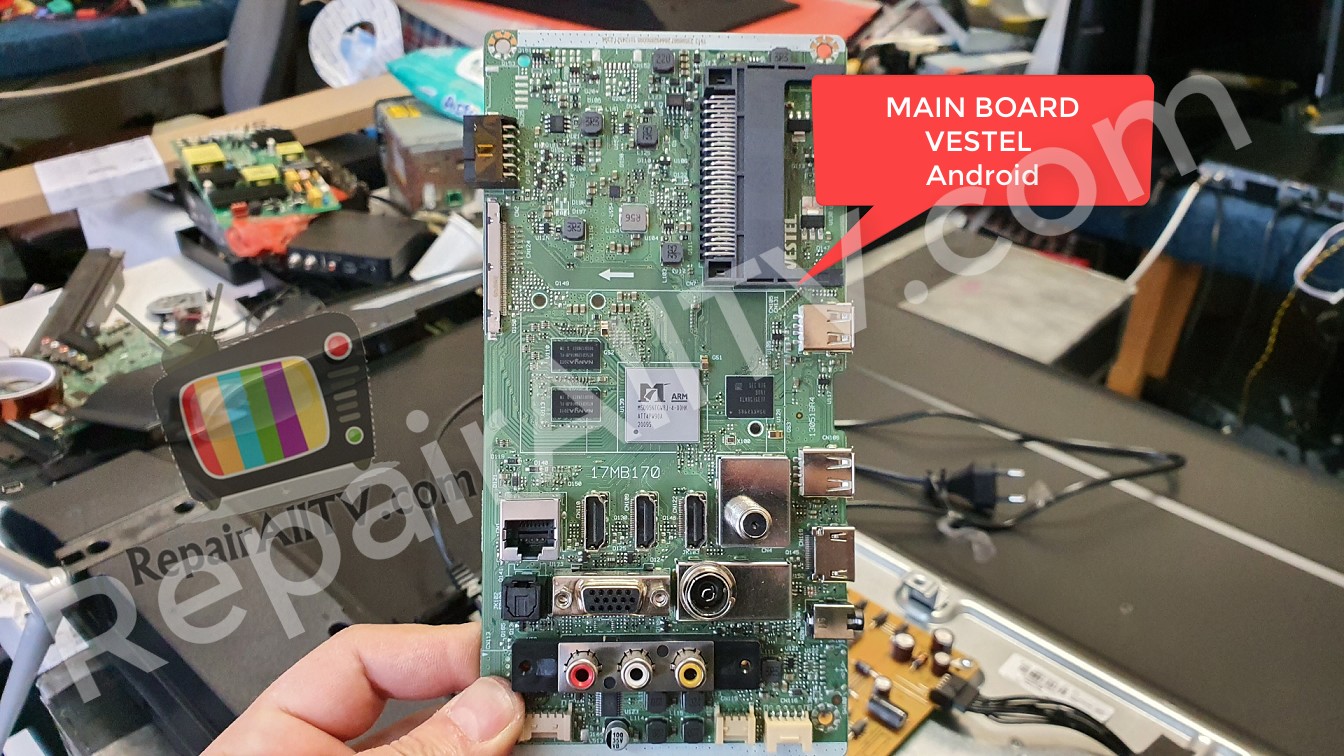
MAIN BOARD VESTEL Android
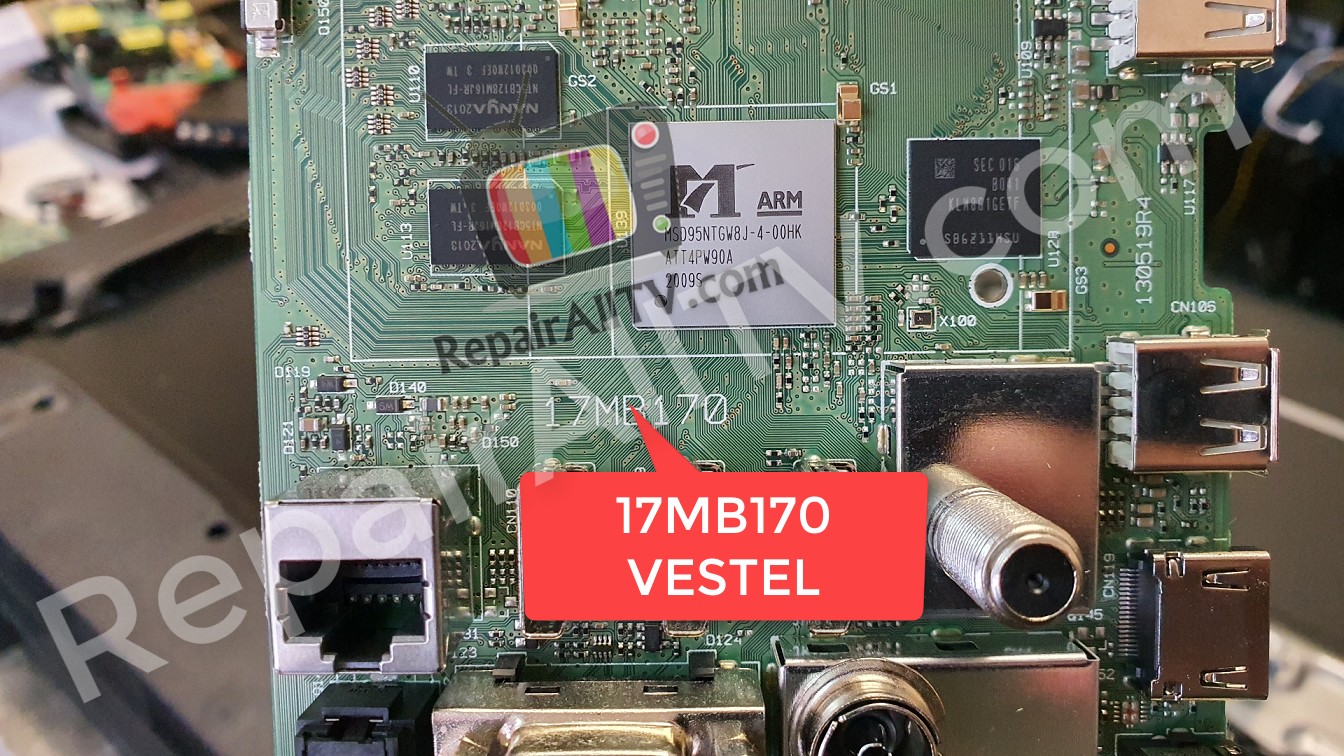
17MB170 VESTEL
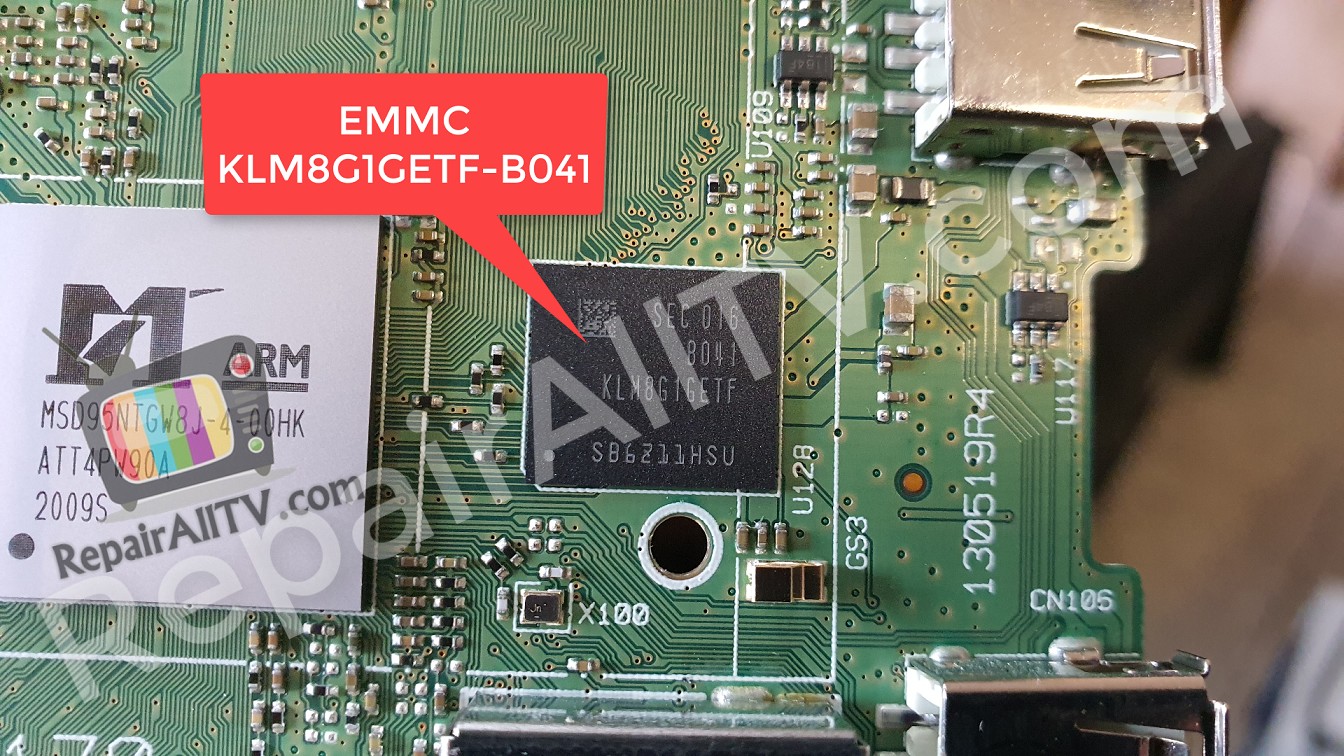
KLM8G1GETF-B041 IMAGE
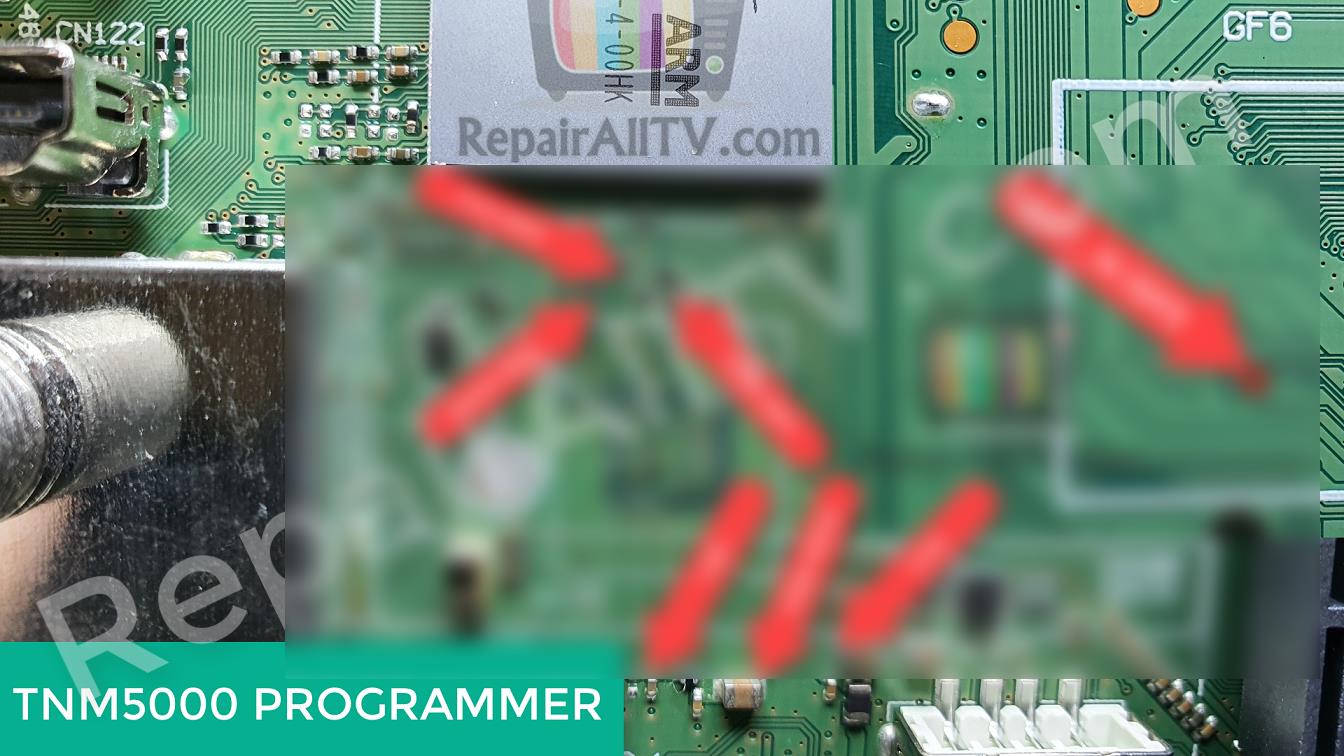
to see EMMC pinout photo as well as to download EMMC BIN Firmware. you must subscribe
PROGRAMMER TNM5000 ISP INFO
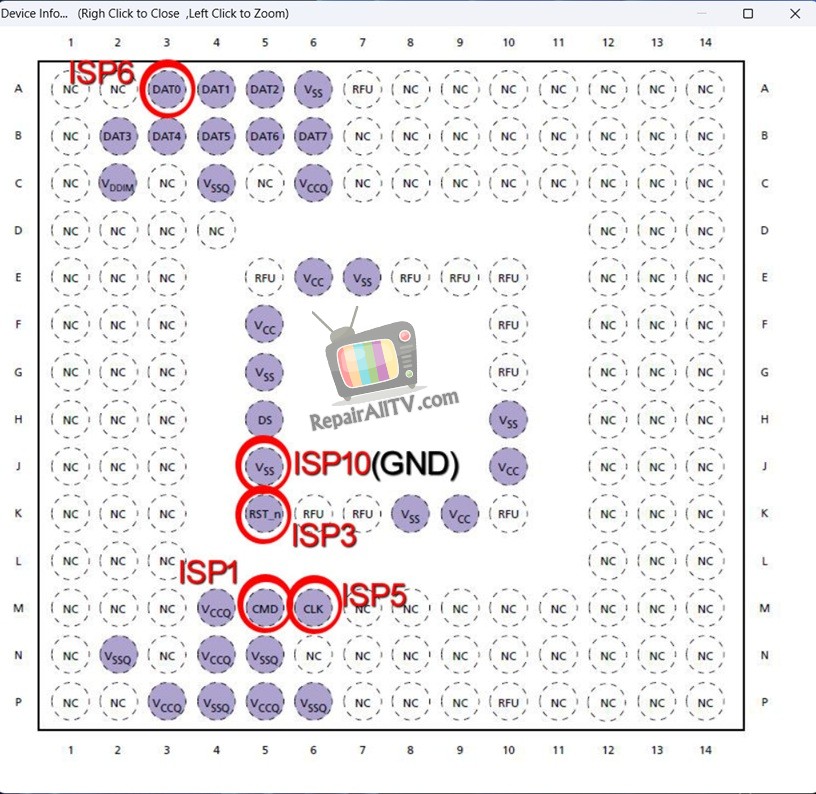
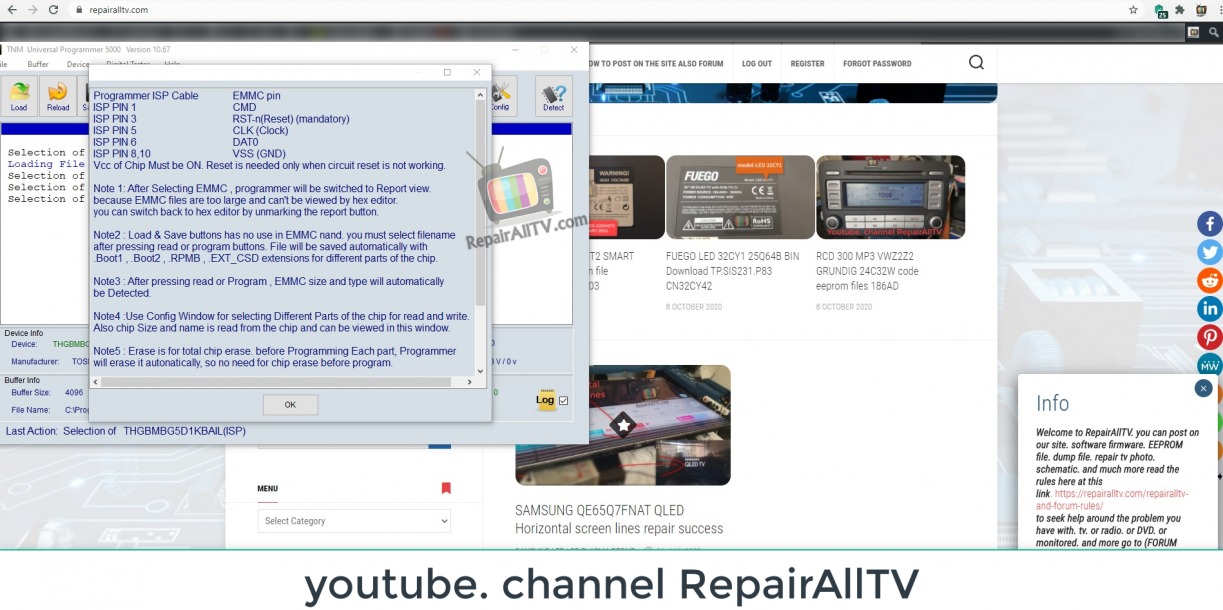
Programmer ISP Cable EMMC pin
ISP PIN 1 CMD
ISP PIN 3 RST-n(Reset) (mandatory)
ISP PIN 5 CLK (Clock)
ISP PIN 6 DAT0
ISP PIN 8, 10 VSS (GND)
Vcc of Chip Must be ON. Reset is needed only when circuit reset is not working.
Note 1: After Selecting EMMC, programmer will be switched to Report view.
because EMMC files are too large and can’t be viewed by hex editor.
you can switch back to hex editor by unmarking the report button.
Note 2: Load & Save buttons has no use in EMMC nand. you must select filename
after pressing read or program buttons. File will be saved automatically with
Boot1, Boot2, RPMB, EXT_CSD extensions for different parts of the chip.
Note 3: After pressing read or Program, EMMC size and type will automatically
be Detected.
Note 4: Use Config Window for selecting Different Parts of the chip for read and write.
Also, chip Size and name is read from the chip and can be viewed in this window.
Note 5: Erase is for total chip erase. before Programming Each part, Programmer
will erase it automatically, so no need for chip erase before program.
Note 6: Only First 192 byte of EXT_CSD is writable by users and Some of these bytes
are read-only and some parts are one-time programable so if you write over these areas,
you get Write error.
Note 7: in most cases, Reset Pin is not necessory, Power on/off the device for reset
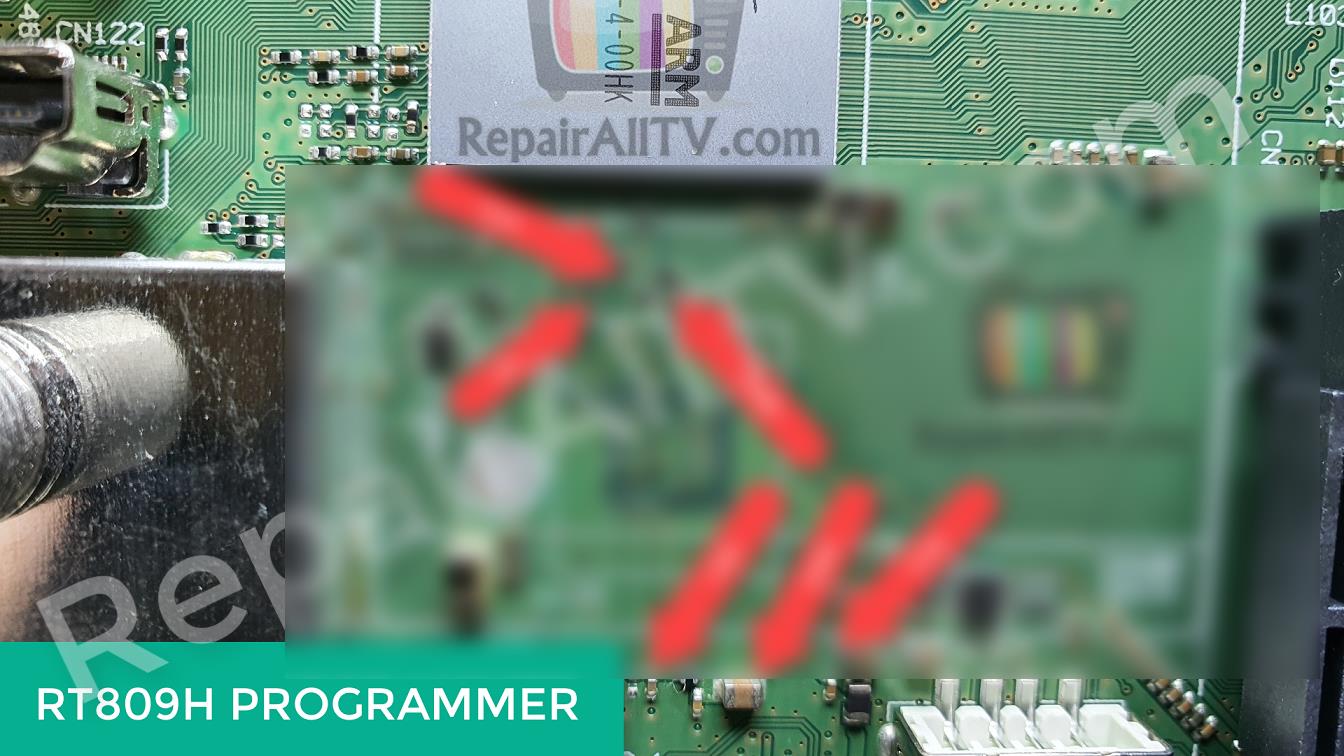
RT809H PROGRAMMER ISP INFO
RT809H PROGRAMMER ISP INFO
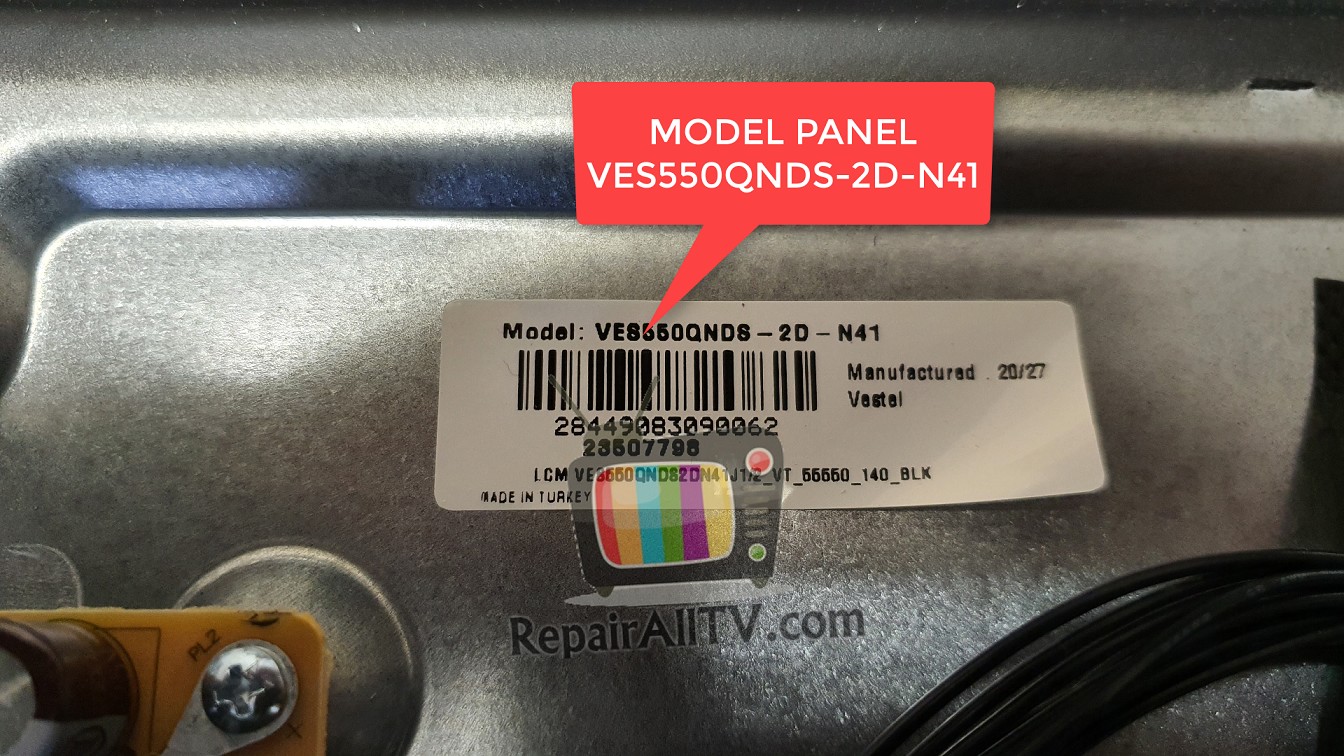
model panel VES550QNDS-2D-N41
My channel YouTube RepairAllTV
DUMP EMMC NAND EEPROM
Important notes: The files we make available on this website are backup copies of device firmware that were fully operational at the time of copying.
We always try to refer to the technical data of the device, however we inform you that there may be some incompatibility with your device, even if it is the same model.
Firmware is generally fully compatible, but users should be aware that there is a possibility of incompatibility.
You need an programmer to write this dump to the chip.
Please remember to back up your firmware to restore in case of any errors or incompatibilities.
JVC LT-55VA6900 17MB170 vestel Emmc

download only eeprom. dump. nand. flash. EMMC. Here Subscription
Subscription more here (Select subscription plan)
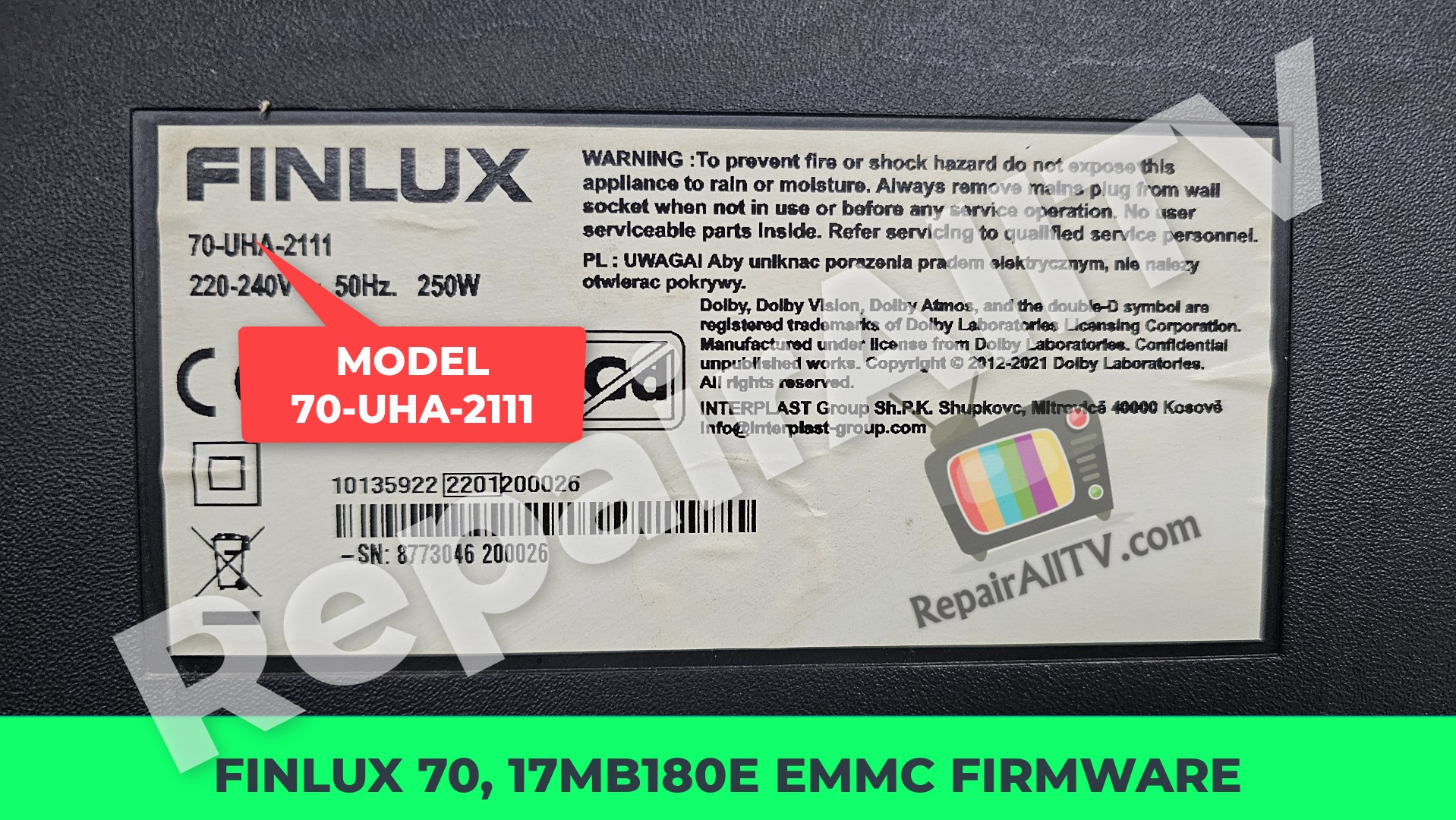
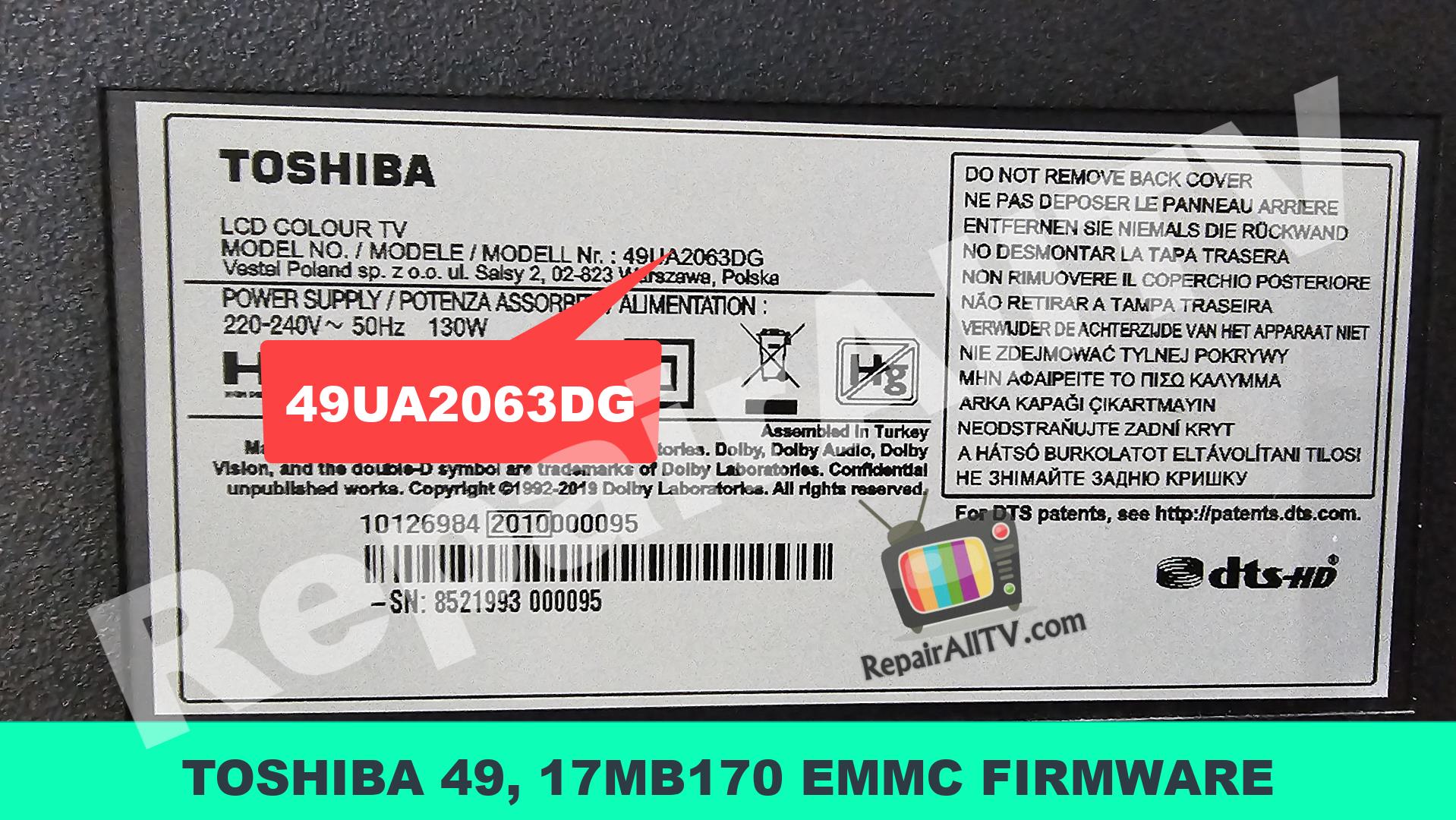
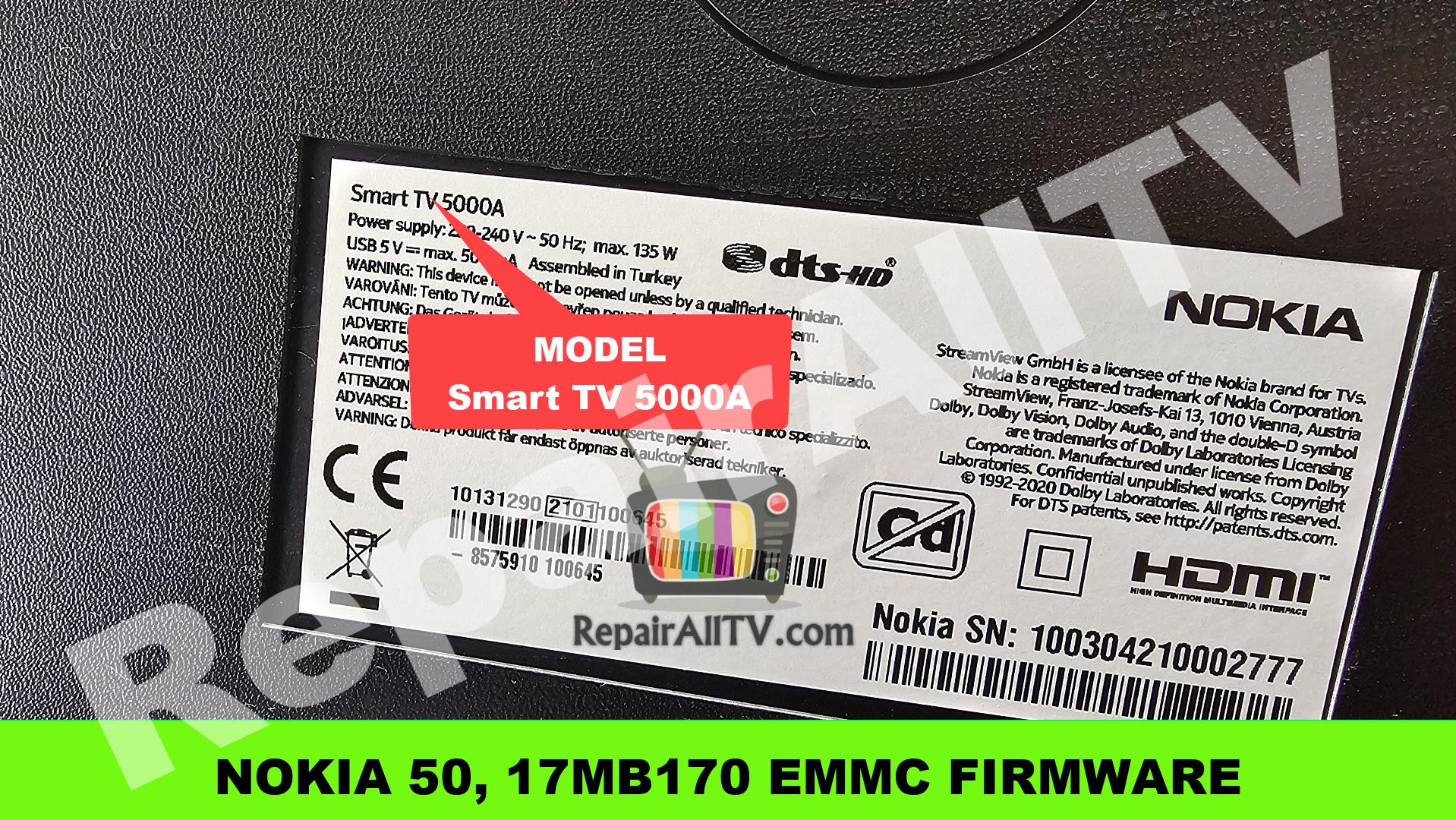

Hello,
How i can download the dump?
I have boot loop and i am trying to repair the TV
Thank you.